Get technical support
If you cannot resolve an issue using the troubleshooting guides, you can export your system logs and reach out to the Olares team for help.
Step 1: Export system logs
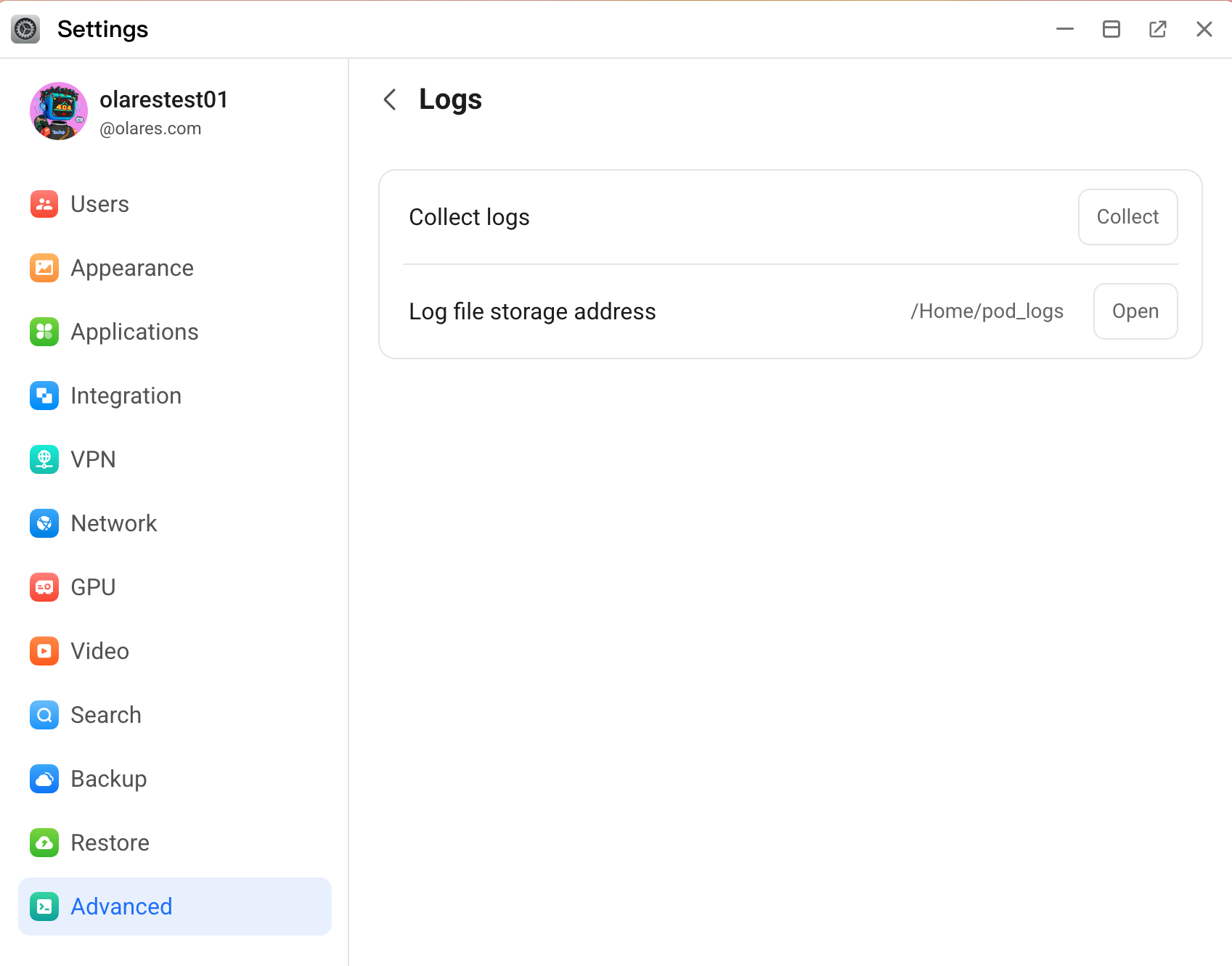
Go to Settings > Advanced > Logs.
Click Collect to generate the log file. The log is automatically saved to the
/Home/pod_logsdirectory.Click Open to open the logs directory in a new window.
Right-click the generated log file and select Download.
Step 2: Contact Olares team
- Visit the Olares GitHub Repository and choose one of the following options:
- Open a new Discussion for general questions or assistance.
- Create a new Issue for bug reports or technical problems.
- Describe the issue and include the following information:
- Steps to reproduce the issue.
- Any error messages or unexpected behaviors.
- Your environment details (operating system, Olares version, etc.).
- The exported system log file.