LarePass documentation
LarePass is the official cross-platform client software for Olares. It acts as a secure bridge between users and their Olares systems, enabling seamless access, identity management, file synchronization, and secure data workflows across all your devices, whether you're on mobile, desktop, or browser.
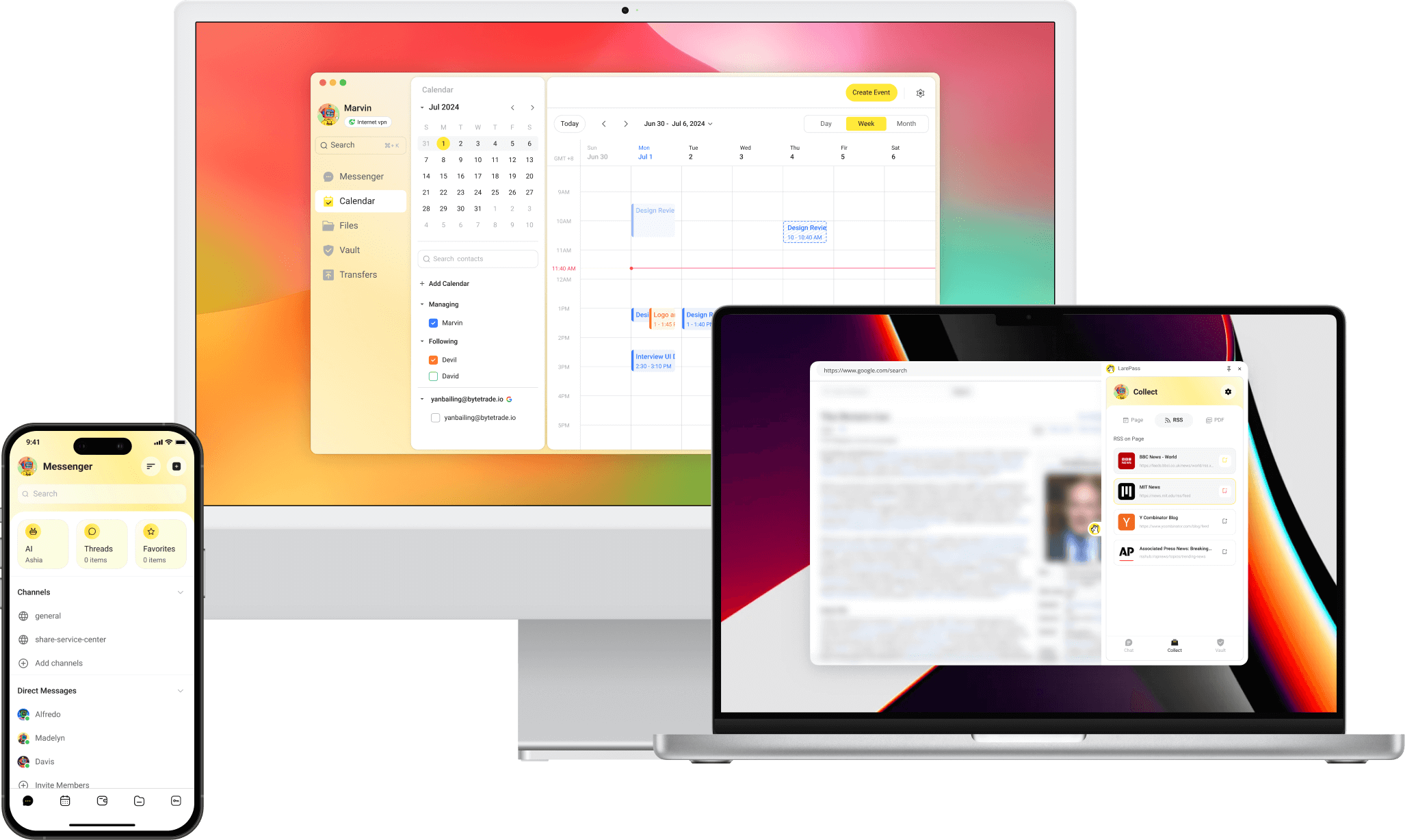
Key features
- Account and identity management
- Secure file access and sync
- Device and network management
- Password and secret management
- Knowledge collection
Download LarePass
iOS
Visit the App Store product page to download LarePass.
Android
Visit the Google Play product page, or download the latest APK directly from the LarePass website.
macOS & Windows
Download the latest desktop client from the LarePass website.
Linux Beta
System requirements
- Architecture: The Linux package is available for x86_64 (amd64) systems only.
- Environment: A graphical desktop environment is required.
Download the latest Linux desktop client from the LarePass website.
Set up account
- On mobile devices, you can create an Olares ID directly in the app. To use a custom domain, see Create an Olares ID with a custom domain.
- On the desktop client, you must import an existing account.
Feature comparison
| Category | Features | Mobile | Desktop |
|---|---|---|---|
| Account management | Create Olares ID | ✅ | ❌ |
| Import Olares ID | ✅ | ✅ | |
| Multi-account management | ✅ | ✅ | |
| SSO login | ✅ | ❌ | |
| Device & network management | Activate Olares | ✅ | ❌ |
| View resource consumption | ✅ | ✅ | |
| Remote device control | ✅ | ❌ | |
| Manage VPN connections | ✅ | ✅ | |
| Knowledge & file management | Sync files across devices | ✅ | ✅ |
| Manage files on Olares | ✅ | ✅ | |
| Collect webpage/video/podcast/PDF /eBook to Wise | ✅ | ❌ | |
| Download video/podcast/PDF/eBook to Files | ❌ | ❌ | |
| Add RSS feed subscription | ❌ | ❌ | |
| Immersive translation | ❌ | ❌ | |
| Backup your photos and files on phone | ✅ | ❌ | |
| Secret management | Generate, share, and autofill strong passwords and passkeys | ✅ | ✅ |
| One-time authentication management | ✅ | ✅ | |
| Cookies Sync | ❌ | ❌ | |
| 3rd-party SaaS account integration | ✅ | ❌ | |
| Verifiable Credential (VC) card management | ✅ | ❌ |