LarePass documentation
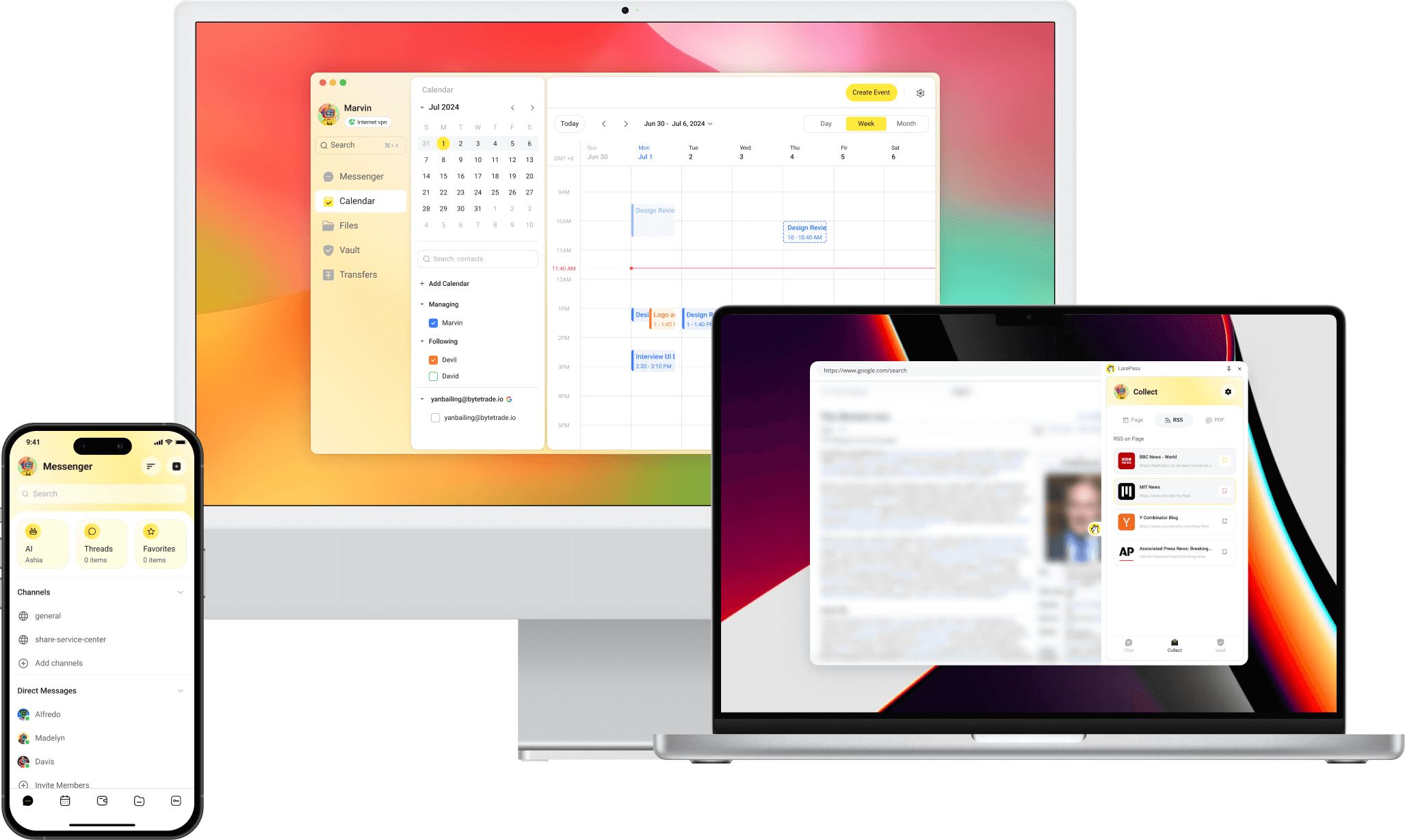
LarePass is the official cross-platform client software for Olares. It acts as a secure bridge between users and their Olares systems, enabling seamless access, identity management, file synchronization, and secure data workflows across all your devices, whether you're on mobile, desktop, or browser.
Key features
Account & identity management
Create and manage your Olares ID, connect integrations with other services, and back up your credentials securely.
Secure file access & sync
Device & network management
Activate and manage Olares devices, and securely connect to Olares via LarePass VPN.
- Activate your Olares device
- Upgrade Olares
- Log in to Olares with 2FA
- Manage Olares
- Switch networks
- Enable VPN for remote access
Password & secret management
Use Vault to autofill credentials, store passwords, and generate 2FA codes across devices.
Knowledge collection
Use LarePass to collect web content and follow RSS feeds.
Feature comparison
| Category | Features | Mobile | Desktop | Chrome Extension |
|---|---|---|---|---|
| Account management | Create Olares ID | ✅ | ❌ | ❌ |
| Import Olares ID | ✅ | ✅ | ✅ | |
| Multi-account management | ✅ | ✅ | ✅ | |
| SSO login | ✅ | ❌ | ❌ | |
| Device & network management | Activate Olares | ✅ | ❌ | ❌ |
| View resource consumption | ✅ | ✅ | ❌ | |
| Remote device control | ✅ | ❌ | ❌ | |
| Manage VPN connections | ✅ | ✅ | ❌ | |
| Knowledge & file management | Sync files across devices | ✅ | ✅ | ❌ |
| Manage files on Olares | ✅ | ✅ | ❌ | |
| Collect webpage/video/podcast/PDF /eBook to Wise | ✅ | ❌ | ✅ | |
| Download video/podcast/PDF/eBook to Files | ❌ | ❌ | ✅ | |
| Add RSS feed subscription | ❌ | ❌ | ✅ | |
| Immersive translation | ❌ | ❌ | ✅ | |
| Backup your photos and files on phone | ✅ | ❌ | ❌ | |
| Secret management | Generate, share, and autofill strong passwords and passkeys | ✅ | ✅ | ✅ |
| One-time authentication management | ✅ | ✅ | ✅ | |
| Cookies Sync | ❌ | ❌ | ✅ | |
| 3rd-party SaaS account integration | ✅ | ❌ | ❌ | |
| Verifiable Credential (VC) card management | ✅ | ❌ | ❌ |
Download and install LarePass
Get the latest version for your device at the LarePass website.
Install the LarePass browser extension
Quick access
After installation, pin the LarePass extension from Chrome’s extension menu for one-click access.