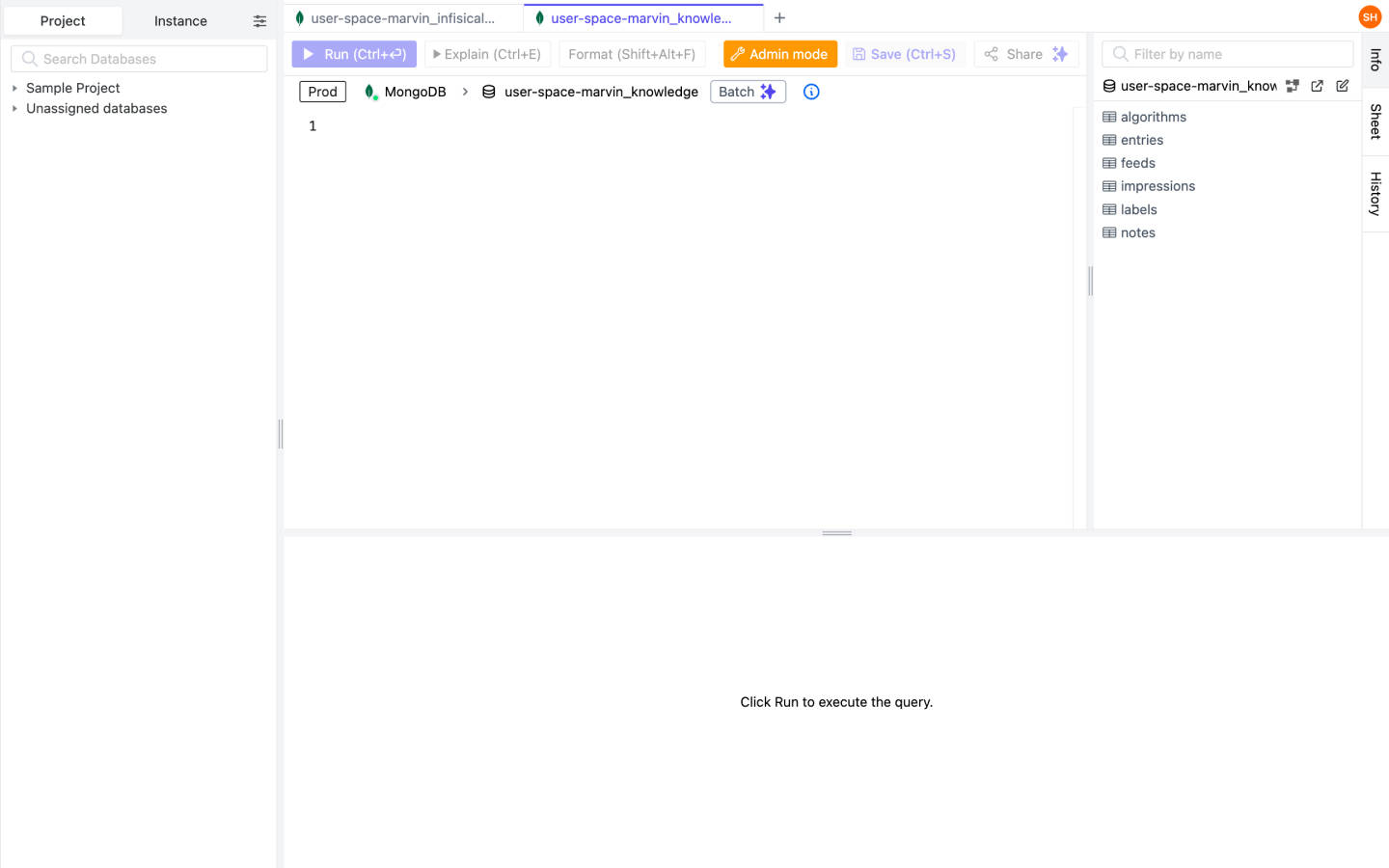
View database status in Olares
You can use third-party applications to view database status in Olares.
For example, Bytebase is a multipurpose middleware for working with databases. This guide uses Bytebase to demonstrate how to access database in the middleware.
Before you begin
Make sure that you have installed Bytebase from Market.
Add a PostgreSQL instance
To add a PostgreSQL instance in Bytebase:
In Bytebase, click Add Instance, and select PostgreSQL.
Configure the instance:
- Instance Name:
Olaresor others. - Environment: Choose either
PRODorTEST. - HOST, USERNAME, PASSWORD: Fill according to the information in the Control Hub's Middleware section.
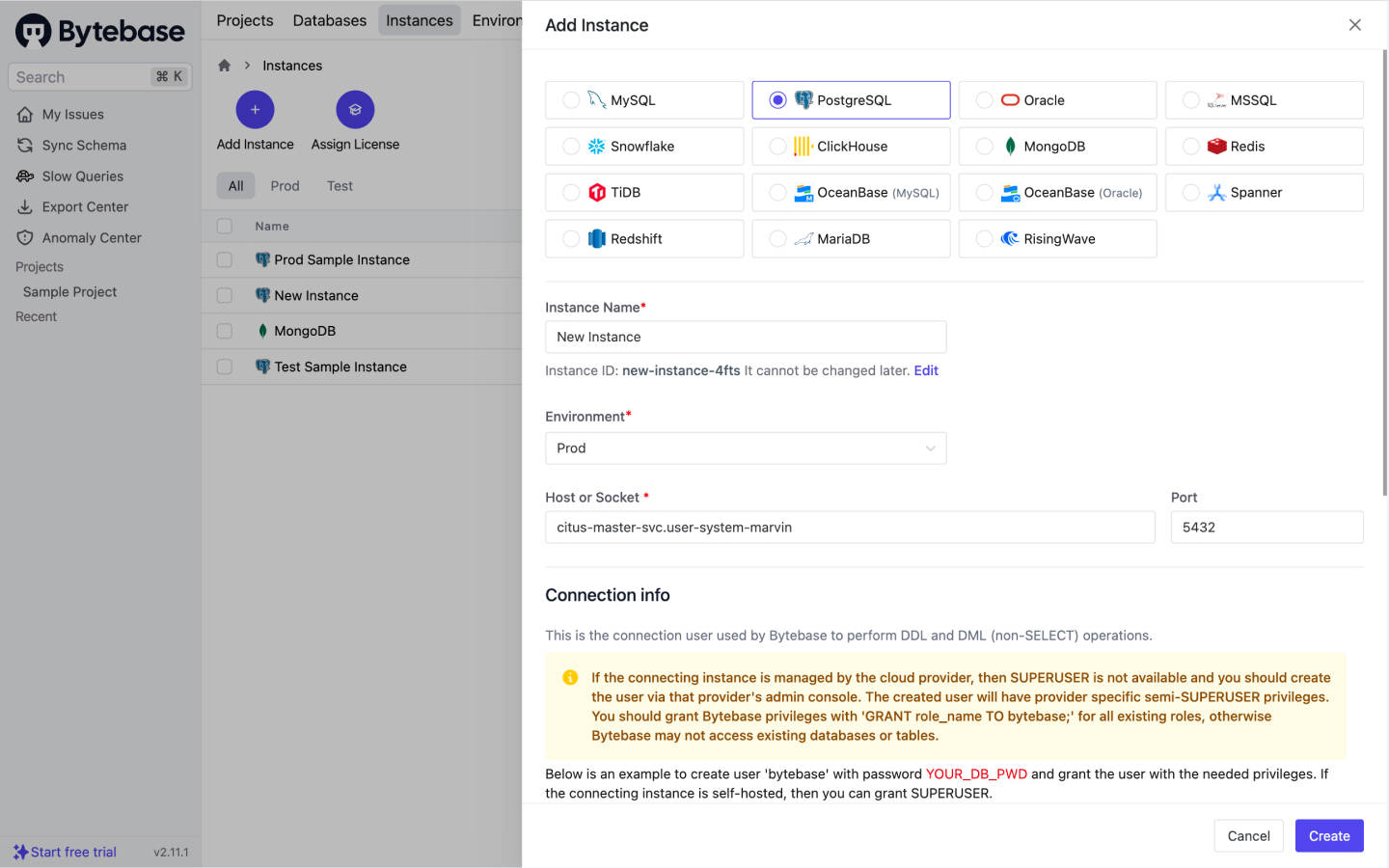
- Instance Name:
Click Create to save the changes and connect the instance.
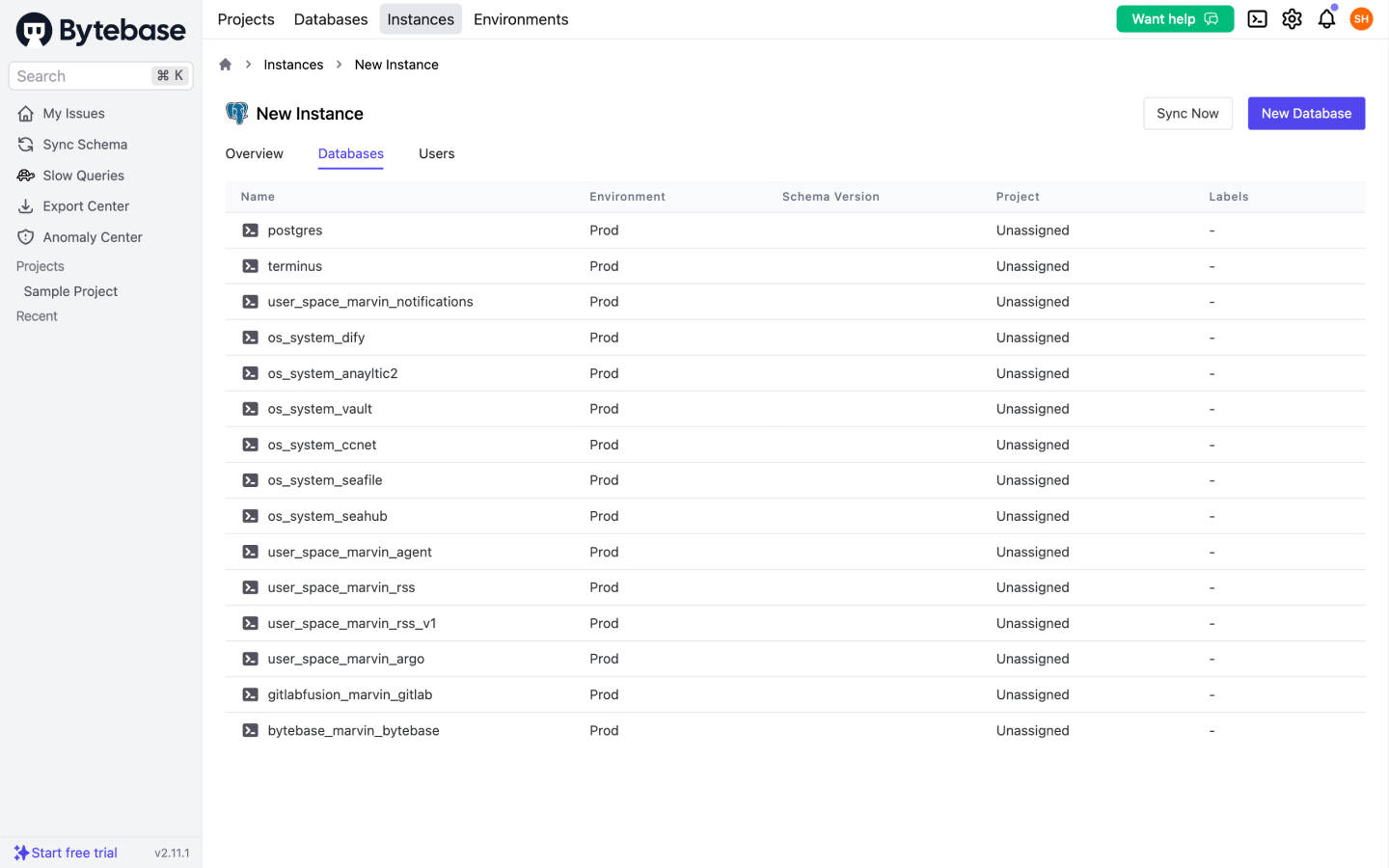
Now you should be able to view the details of the PostgreSQL instance you just added.
Add a MongoDB instance
To add a MongoDB instance in Bytebase:
In Bytebase, click Add Instance, and select MongoDB.
Configure the instance.
- Instance Name:
Olaresor others.
NOTE
Do not use duplicate instance names.
- Environment: Choose either
PRODorTEST. - HOST, USERNAME, PASSWORD: Fill according to the information in the Control Hub's Middleware section.
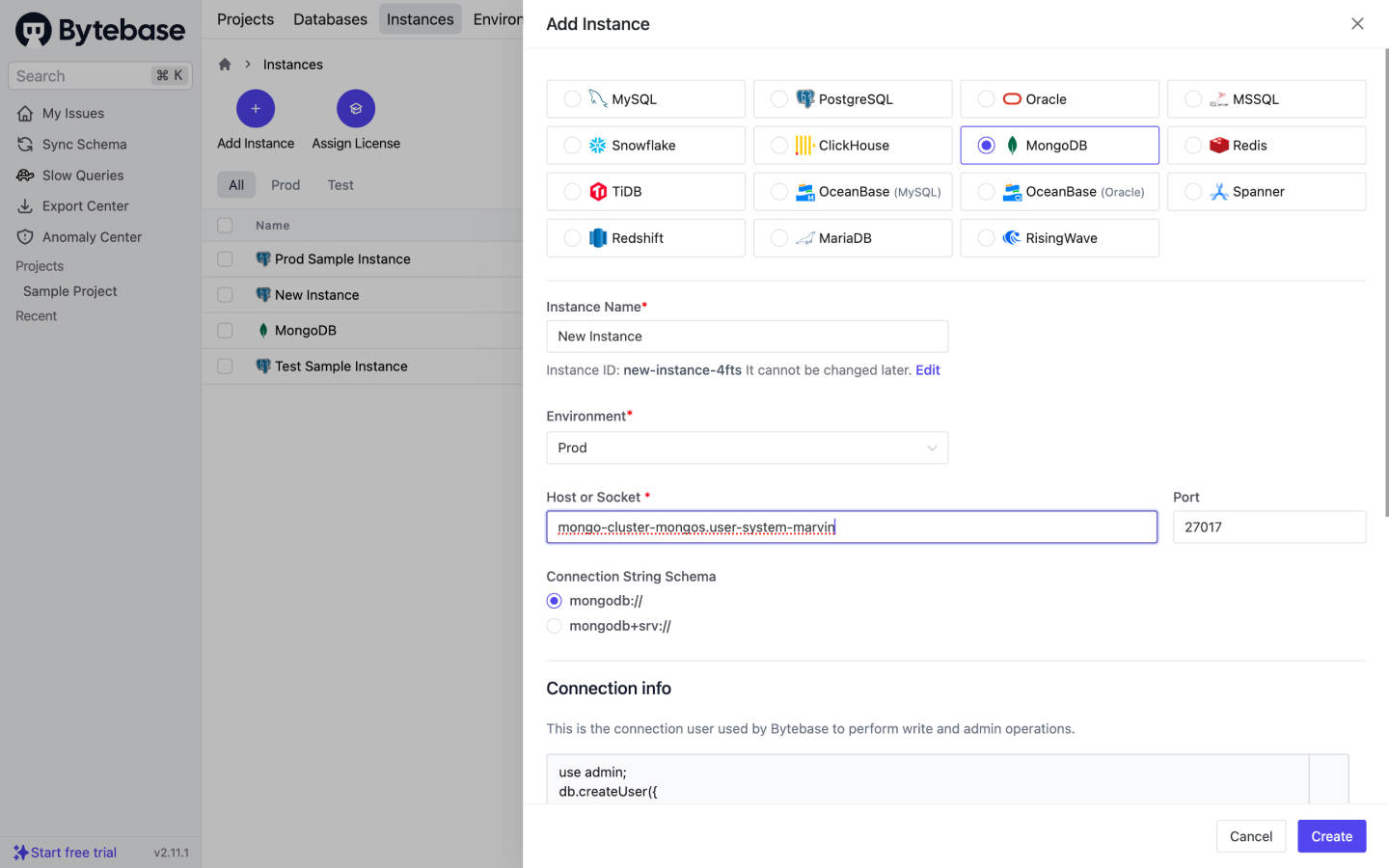
- Instance Name:
Click Create to save and connect the instance.
Now you should be able to view the details of the MongoDB instance you just added.
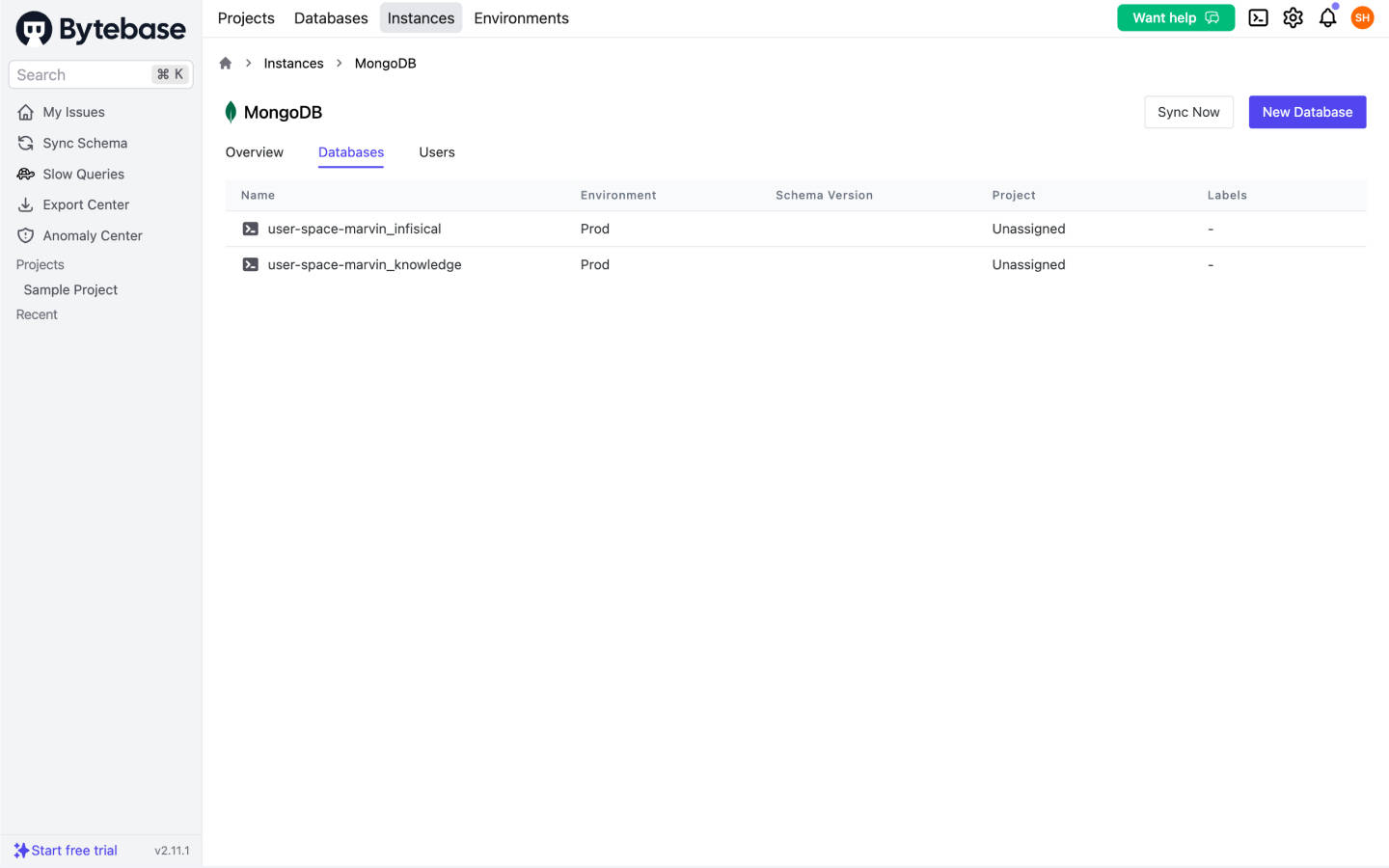
Edit the database
In Bytebase, click SQL Editor in the upper right corner to go to the Editor page for further operations.